Web accessibility
We aim to make our website accessible and usable for everyone, and we follow the international guidelines for accessibility by following WCAG 2.1 Guidelines Level AA where possible.
Changing how the site looks
Sometimes people want to change the way the site looks to make it easier to read. The settings in each browser are often different but most allow you to change the text size, layout and colour
You can can change the size of most text on our website by using the text size setting generally found in the Zoom or View menu or you can use CTRL+ or CTRL- to change the size. You can also change the background colours and the default font – the settings are usually found in the Preferences/Options menus. To remove all of the styling and layout on a site you can turn off the style sheets, usually found in the Preferences or Settings menu.
Keyboard access
In most browsers you can move from link to link using the Tab key. You can move backwards by using the Shift-Tab keys.
Supported browsers
You should be able to use the more recent versions of most browsers to access our website, and it will work well on most modern tablets and smartphones.
The BBC have published a useful providing accessibility help website, My web my way, providing detailed advice to computer users to make the most of the internet whatever their ability or disability.
Explore our other services
Helping families
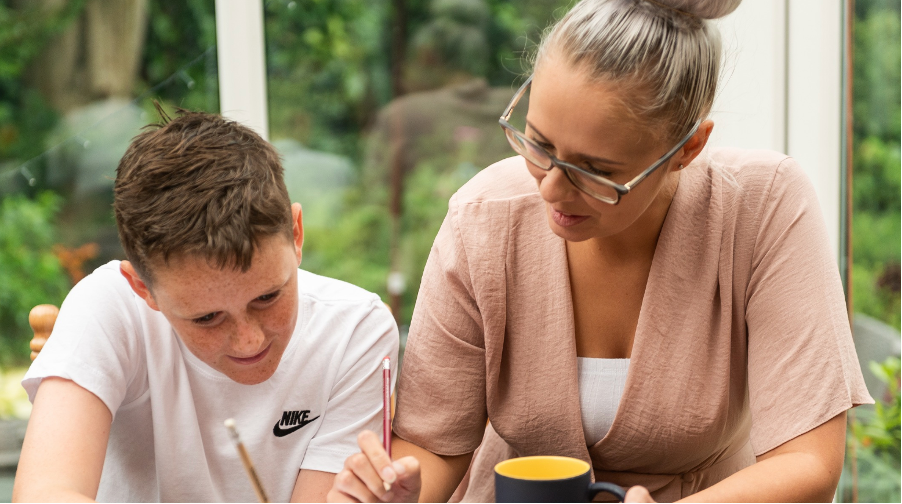
We know that every family is different. That’s why our support services are shaped around not just the individual, but the whole family.

Therapy and support
Our therapy packages are individualised to meet the needs and interests of the child or young person.

Education
We have specialist learning environments across Greater Manchester, supporting children and young people from age 5 to 25.